File
Form 2290
online.
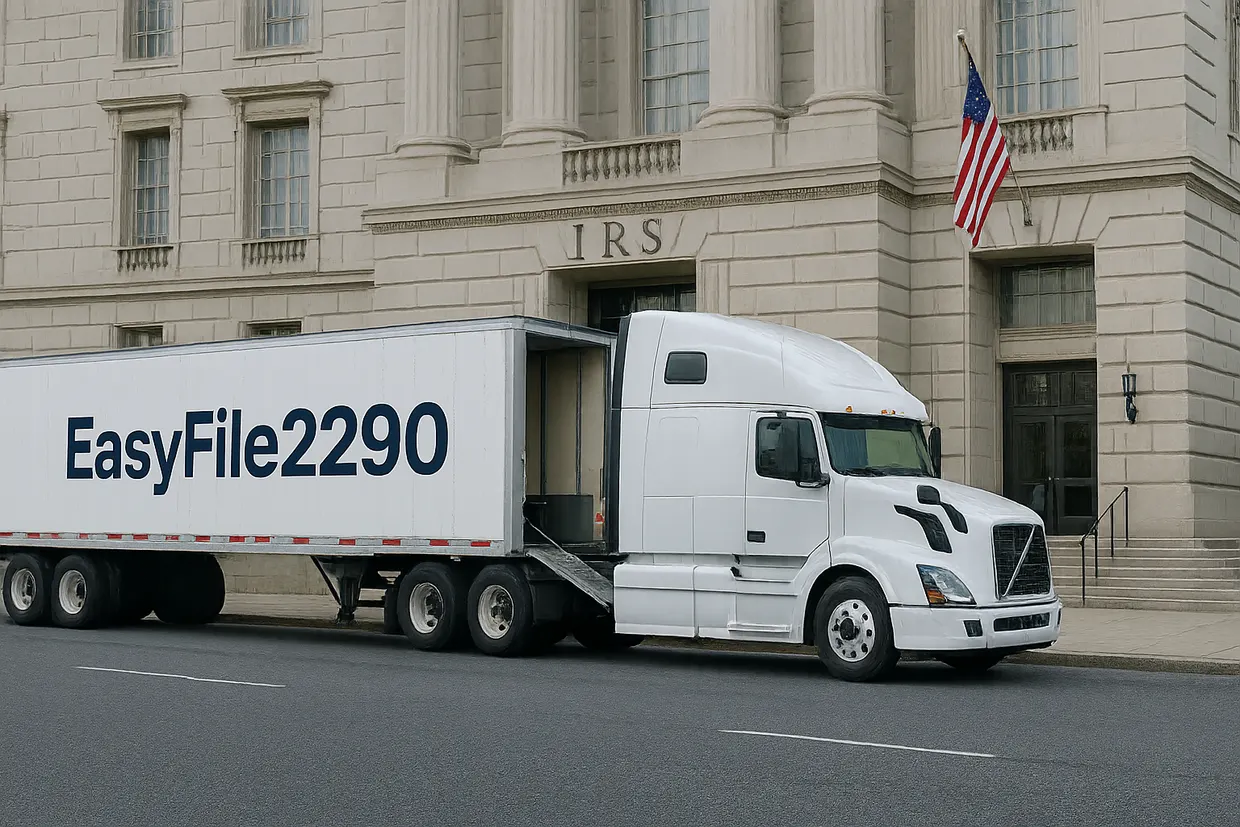
With EasyFile2290, figure your Heavy Highway Vehicle Use Tax with the real IRS TY2026 rate tables, e-file, and walk away with a stamped Schedule 1 — no paper, no waiting room.
Add your trucks
Everything you need
Built for how trucking businesses actually file
From your first truck to your stamped Schedule 1, every piece of the filing flow lives in one place.

IRS E-File
Transmit Form 2290 straight to the IRS and get your stamped Schedule 1 back electronically.

Fast Filing
A guided flow built for trucking — most returns are filed in well under ten minutes.

Secure Payment
Pay by direct debit, EFTPS, or card. Every transaction is encrypted end to end.

Save Draft
Step away any time — your progress is saved so you can pick up right where you left off.

Vehicle Management
Add, edit, and track every truck's VIN, weight category, and status in one place.

Bulk Upload
Download an Excel template, fill in one row per vehicle, and import 500 at a time — as many batches as your fleet takes. For filings, VIN corrections, and amendments.

Tax Calculation
Figured automatically from the real IRS TY2026 rate tables — logging and suspended rates included.

PDF Generation
Download your completed Form 2290 and stamped Schedule 1 as ready-to-print PDFs.

Filing History
Every past return, receipt, and Schedule 1 stays available whenever you need it again.
How it works
Six steps to a stamped Schedule 1
Every EasyFile2290 return follows the same guided flow — the same order the IRS asks for the information on Form 2290.

Create Account
Sign up in seconds — just an email and a password to get started.

Enter Business Details
Your EIN, legal name, address, and signing authority for the return.
Add Trucks & Get Tax
Enter each vehicle's VIN and weight category — including logging and suspended trucks — and the tax is figured instantly from the IRS rate tables.

Review Return
A final read-through of the whole return before anything is submitted.

Payment
Pay the tax due by direct debit, EFTPS, or card — right inside the flow.

IRS Submission
E-sign and transmit. Your stamped Schedule 1 is ready soon after acceptance.
Why choose us
A platform trucking businesses trust

Your business and vehicle data is encrypted and protected at every step.
Every figure is pulled from the real IRS TY2026 rate tables — no guesswork.

Built around Form 2290 and Schedule 1, exactly as the IRS expects them.

A clean, guided flow that doesn't require a tax background to follow.

Get your stamped Schedule 1 back in seconds, not days.

Help is available whenever a filing question comes up.
Who must file
Three things decide it
Per the IRS Form 2290 instructions, you must file if a taxable highway motor vehicle meets all of the following.
The vehicle has a taxable gross weight of 55,000 pounds or more and is used on public highways.
It's registered — or required to be registered — in your name under state, DC, Canadian, or Mexican law.
Tax is due for the month the vehicle is first used during the July 1, 2026 – June 30, 2027 period.
Straight from Form 2290, page 2
Know the rate before you file
Tax is set by taxable gross weight category — 21 brackets from 55,000 lbs up. Logging vehicles pay a reduced rate in every bracket.
| Category | Taxable gross weight | Standard (annual) | Logging (annual) |
|---|---|---|---|
| A | 55,000 lb lb | $100.00 | $75.00 |
| F | 59,001–60,000 lb | $210.00 | $157.50 |
| M | 66,001–67,000 lb | $364.00 | $273.00 |
| V | over 75,000 lb | $550.00 | $412.50 |
Common questions
Answered straight from the instructions
Yes, if you're reporting and paying tax on 25 or more vehicles during the period. Everyone else is encouraged to but isn't required.
You can claim suspension from the tax (7,500 miles for agricultural vehicles) — no tax due, but it still needs to be reported.
Yes — vehicles used exclusively to transport harvested forest products are taxed at a reduced rate in every weight category.
Usually within seconds of the IRS accepting your return — that's your proof of payment for DMV registration.
Yes — each business you add keeps its own trucks, returns, and filing history under the same account.
Direct debit (EFW), EFTPS, or a credit/debit card. Form 2290 requires the tax to be paid in full when you file.
Ready when you are
Start your TY2026 Form 2290
Create an account, add your trucks, and file — your stamped Schedule 1 is usually ready within seconds of acceptance.
Form 2290 Heavy Highway Vehicle Use Tax, figured with the IRS TY2026 rate tables (tax period July 1, 2026 – June 30, 2027).